Inventory & Catalog
All rolesAdd products with part numbers, cross-refs, brands, suppliers, and dual pricing.
Every field automotive inventory actually needs
Overview
When you add a product in Cephre, you are not filling a toy inventory form. The record is shaped for parts retail:
• Supplier and Brand
• Part No (primary identifier on the counter)
• Product name and product details
• Primary and secondary categories
• Purchase price and selling price
• Quantity / opening stock
• Code and Cross Reference for interchange
That structure feeds POS search, purchase orders, stock CSVs, and reports — so catalog quality becomes operational speed.
What you get
- Supplier + Brand on every SKU
- Part No and Cross Reference fields
- Primary & secondary category trees
- Purchase price vs selling price
- Product details / notes for counter help
- Code field for alternate identifiers
Workflow
How it works
-
1
Create the record
Enter Part No, name, brand, and supplier.
-
2
Classify
Assign primary and secondary categories.
-
3
Price it
Set purchase and selling prices.
-
4
Enrich
Add cross-ref, code, and product details for the counter.
Capability map
Built into Cephre
- List / add / update product screens
- Deep automotive attribute set
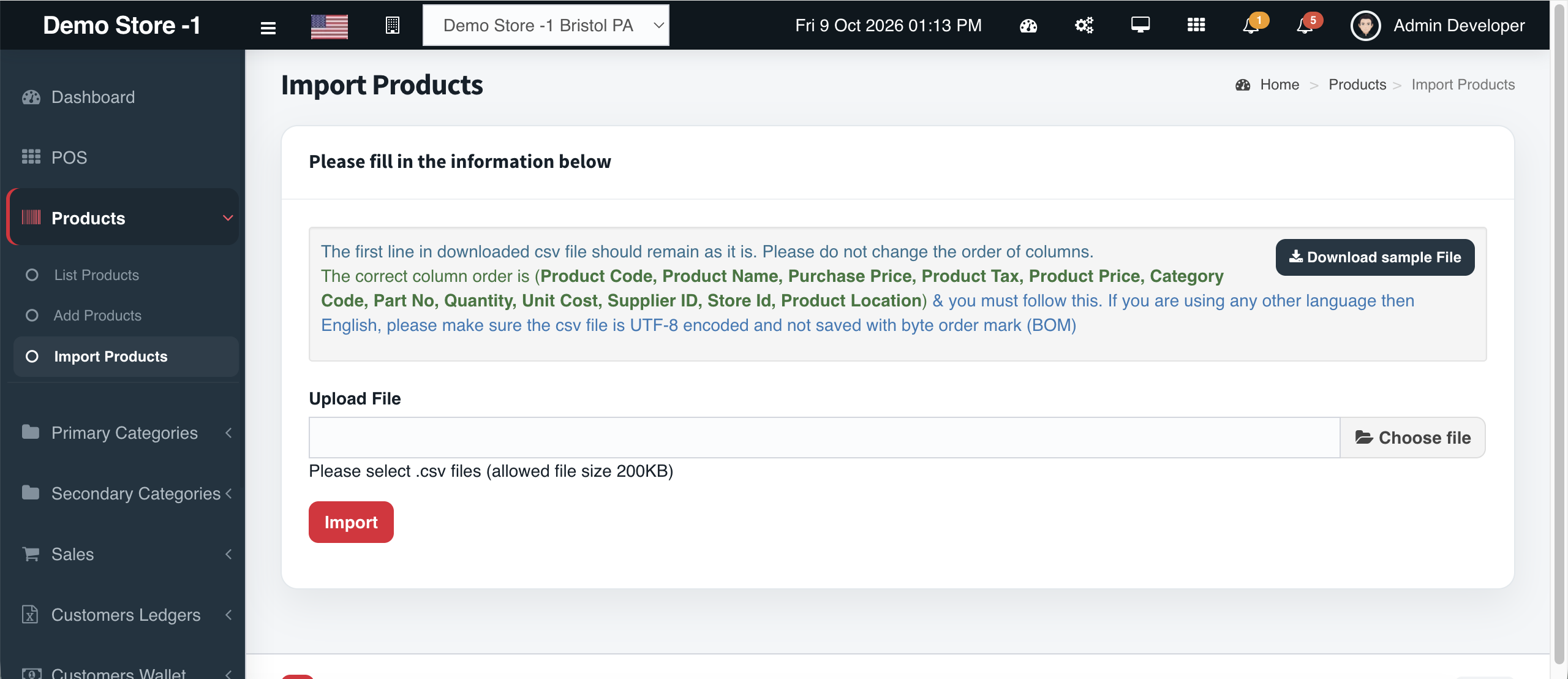
- Works with CSV import & bulk update
- Visible in POS manufacturer column
- Feeds PO line search by Part No
Ready to put this on your counters?
Apply for a subscription package sized by Super Admin seats, store Admins, and outlets.