Stores, Users & Hardware
Super AdminManage users and roles so reports stay with ownership and the floor stays fast.
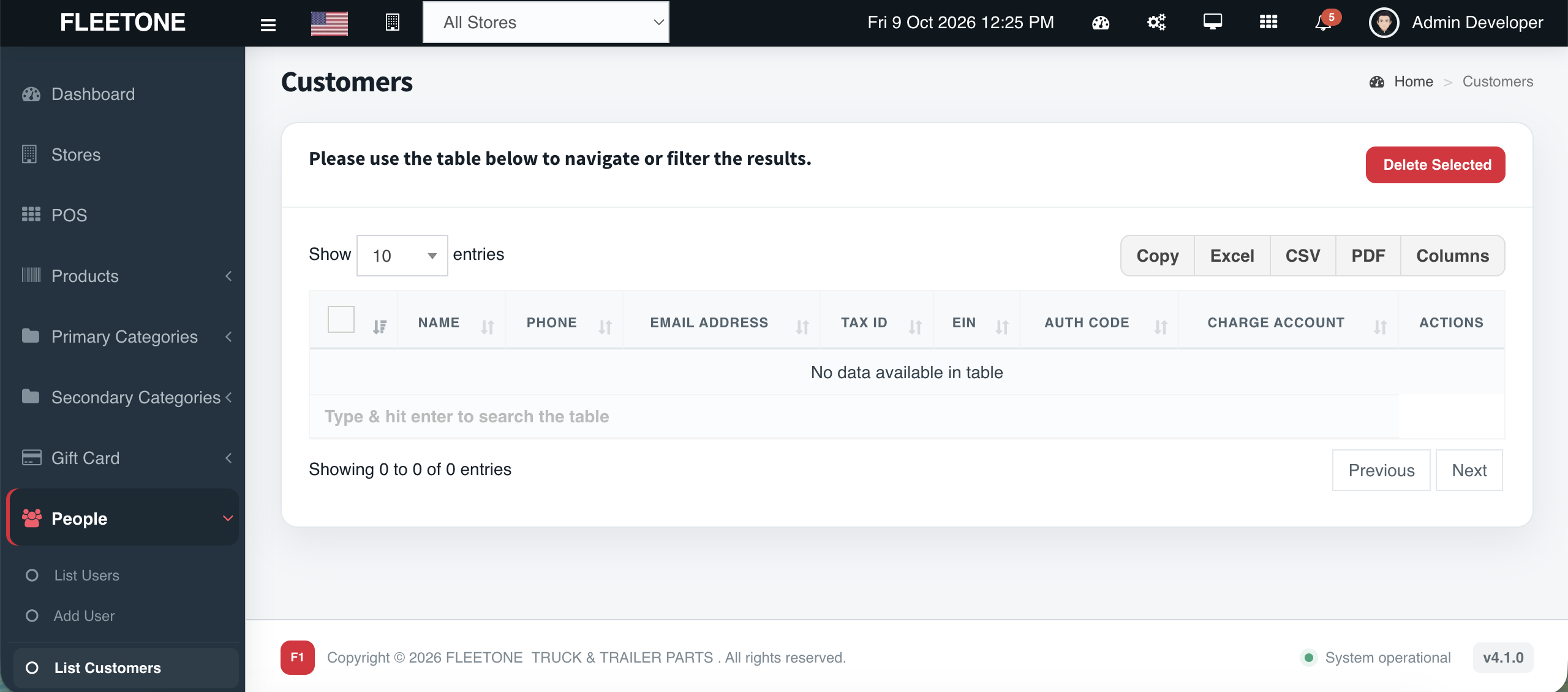
Super Admin vs Store Admin — managed people
Overview
Cephre’s access model is intentional: Super Admins receive reporting and cross-store controls; Store Admins run POS, inventory, ledgers, purchasing, and day-to-day modules for their location.
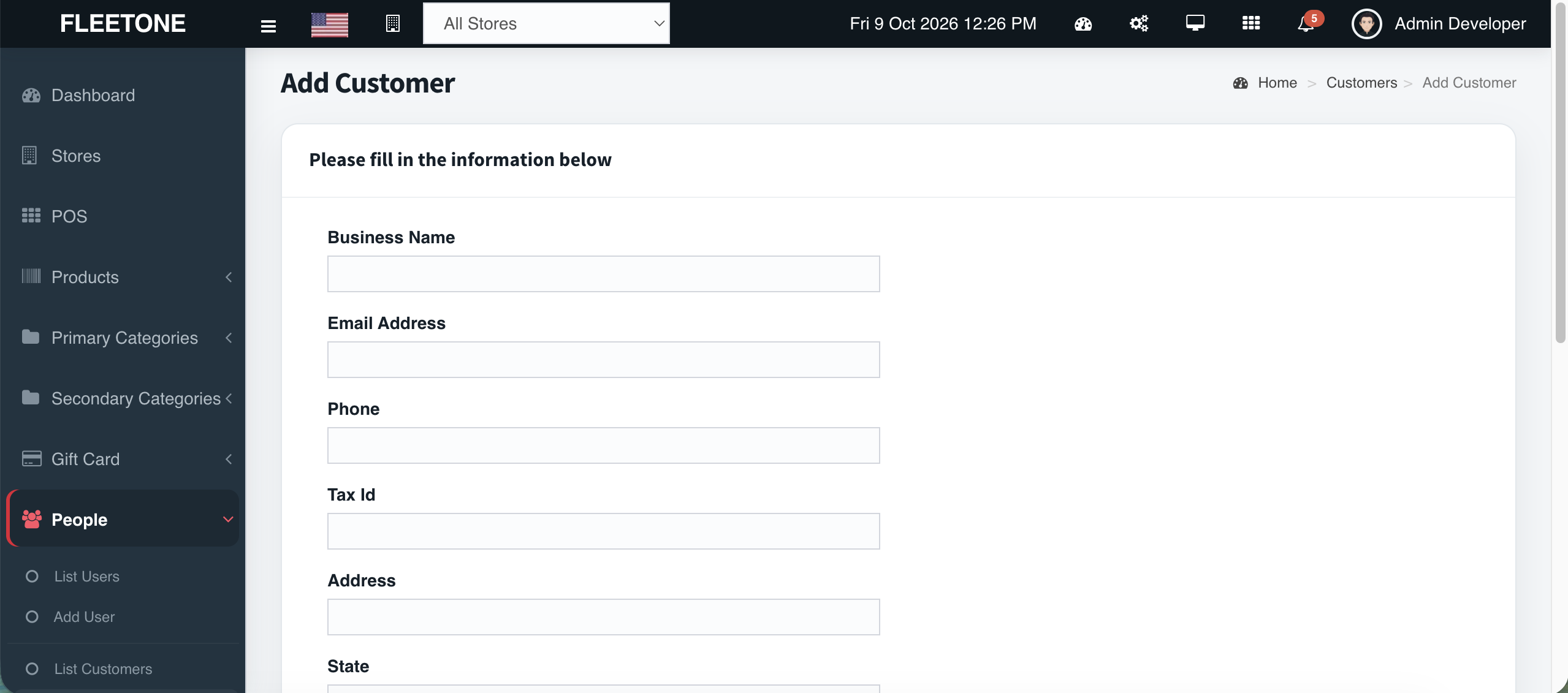
Manage users under People, watch Login Sessions for access hygiene, and size subscription packages by Super Admin and Store Admin seats.
What you get
- People management module
- Super Admin vs Store Admin separation
- Reports hidden from store roles
- Login session auditing
- Seat counts on subscription packages
- Per-store operational scope
Workflow
How it works
-
1
Invite users
People module.
-
2
Assign role & store scope
-
3
Verify Reports visibility as Super Admin only
-
4
Monitor Login Sessions
Capability map
Built into Cephre
- People menu
- Role-aware navigation
- Package seat enforcement (commercial)
- Login Sessions Report
In the product
Screens from this module
Ready to put this on your counters?
Apply for a subscription package sized by Super Admin seats, store Admins, and outlets.