Super Admin Reports
Super AdminEvery critical report — sales, tax, discounts, payments, products, logins — in one suite.
Super Admin–only visibility across the network
Overview
Store Admins run the floor. Super Admins see the business. Cephre’s reporting suite is reserved for Super Admin so sensitive performance and security data is not casually available at every terminal.
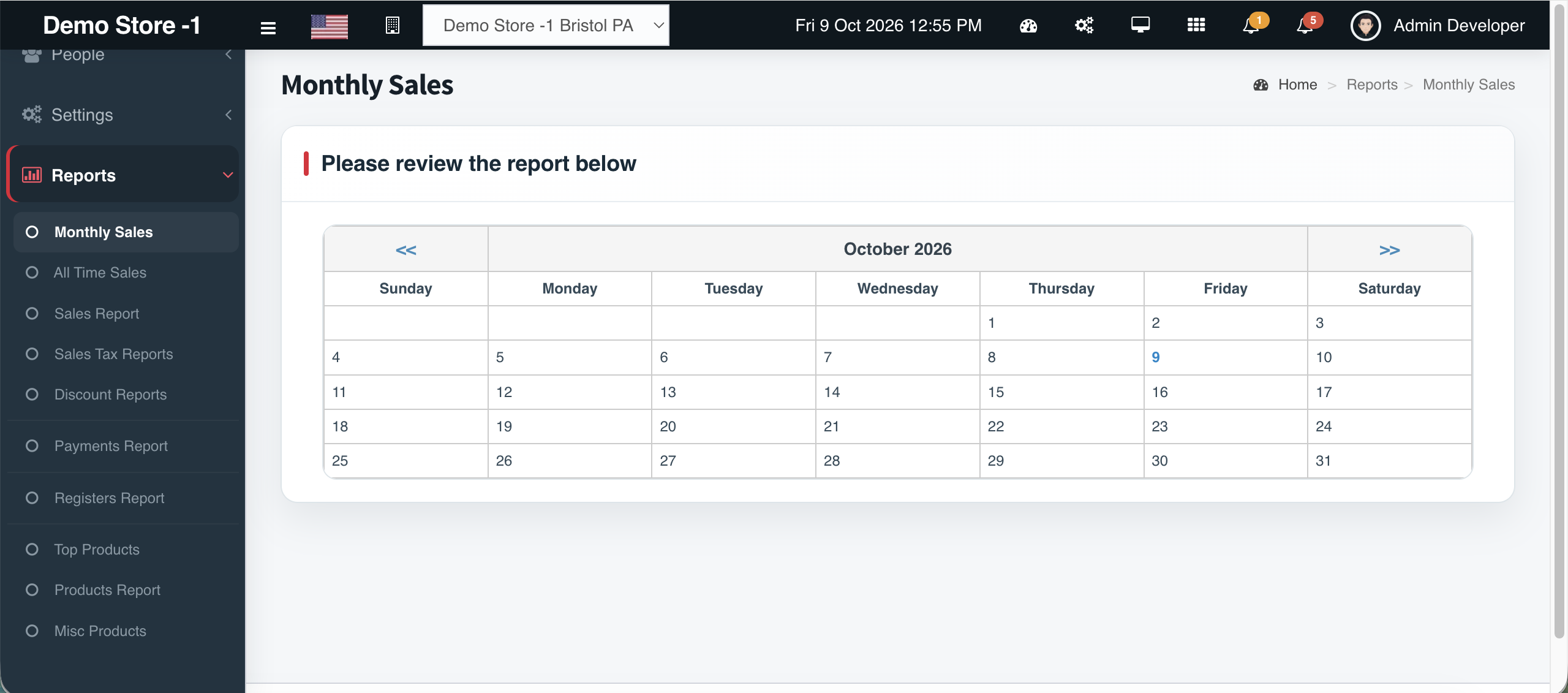
From one Reports menu you reach Monthly Sales, All Time Sales, Sales Report, Sales Tax Reports, Discount Reports, Payments Report, Top Products, Products Report, Misc Products, Registers Calendar, Registers Report, and Login Sessions Report — with export tools on tabular views.
Use the dedicated Reports hub on this site to jump into each report type’s landing page.
What you get
- Super Admin–only access
- Sales, tax, discount, payments coverage
- Top products & register calendar
- Login session security trail
- All Stores aggregation
- Exportable grids (Excel/CSV/PDF where available)
Workflow
How it works
-
1
Sign in as Super Admin
Reports appear in navigation.
-
2
Pick the lens
Sales, tax, payments, products, security.
-
3
Filter
Dates, users, tender types as offered.
-
4
Export
Hand files to finance or ownership.
Capability map
Built into Cephre
- Full reports menu tree
- KPI cards on register calendar
- Charted top products month-over-month
- Deep links from marketing Reports hub
Ready to put this on your counters?
Apply for a subscription package sized by Super Admin seats, store Admins, and outlets.