Super Admin Reports
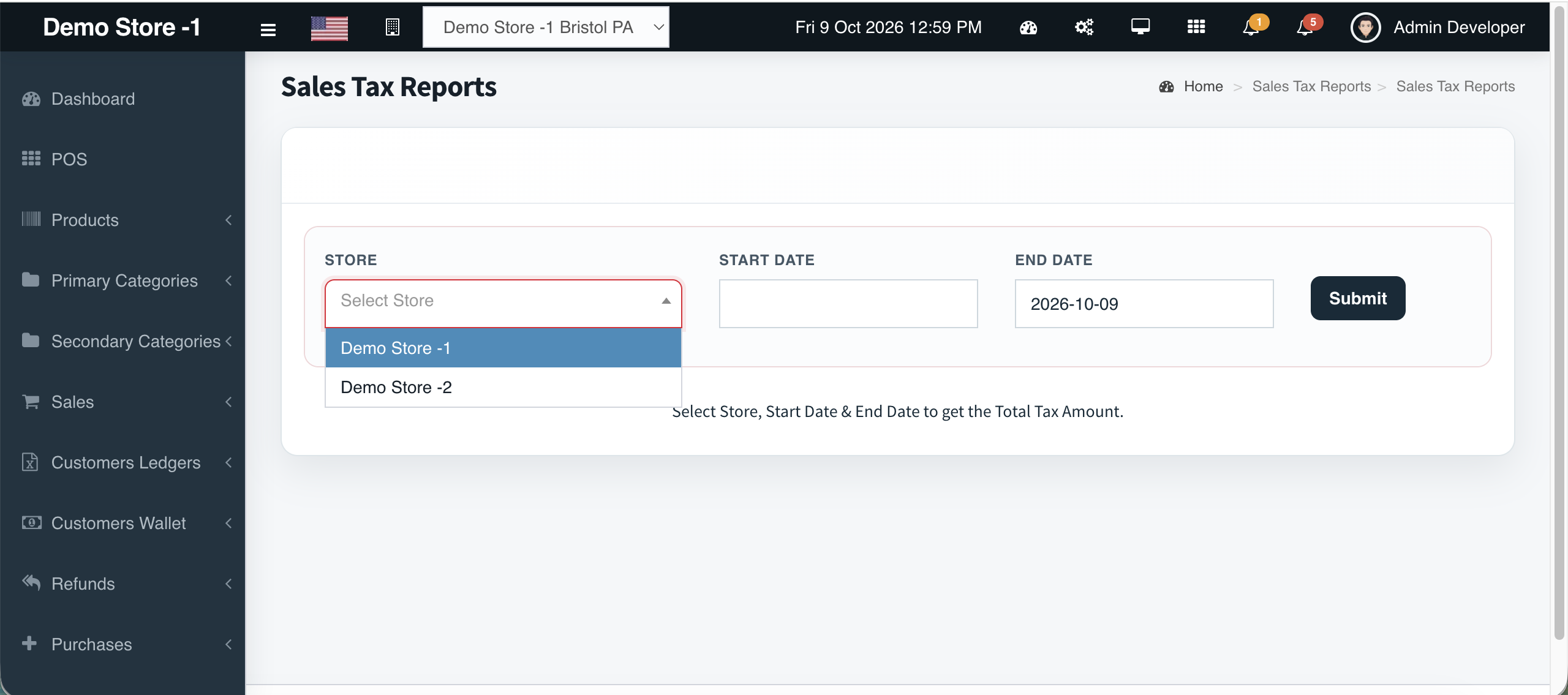
Super AdminSales Tax Reports built for Super Admin review and filing prep.
Tax collected — reportable for ownership
Overview
Tax lines on tickets are only half the job. Super Admins use Sales Tax Reports to review what the network collected over a period — especially important when multiple outlets and tenders are in play.
What you get
- Sales Tax Reports menu
- Super Admin restricted
- Pairs with POS order tax
- Works with date-filtered reporting patterns
- Export with other report grids
Workflow
How it works
-
1
Go to Reports → Sales Tax Reports
-
2
Filter the period
-
3
Review collected tax
-
4
Export for accountant
Capability map
Built into Cephre
- Sales Tax Reports item
- Complements Payments & Discount reports
Ready to put this on your counters?
Apply for a subscription package sized by Super Admin seats, store Admins, and outlets.