Customers & Credit
Store AdminRun B2B ledgers with grand totals, payments, and current balance in one grid.
Balances, invoices, payments — exportable
Overview
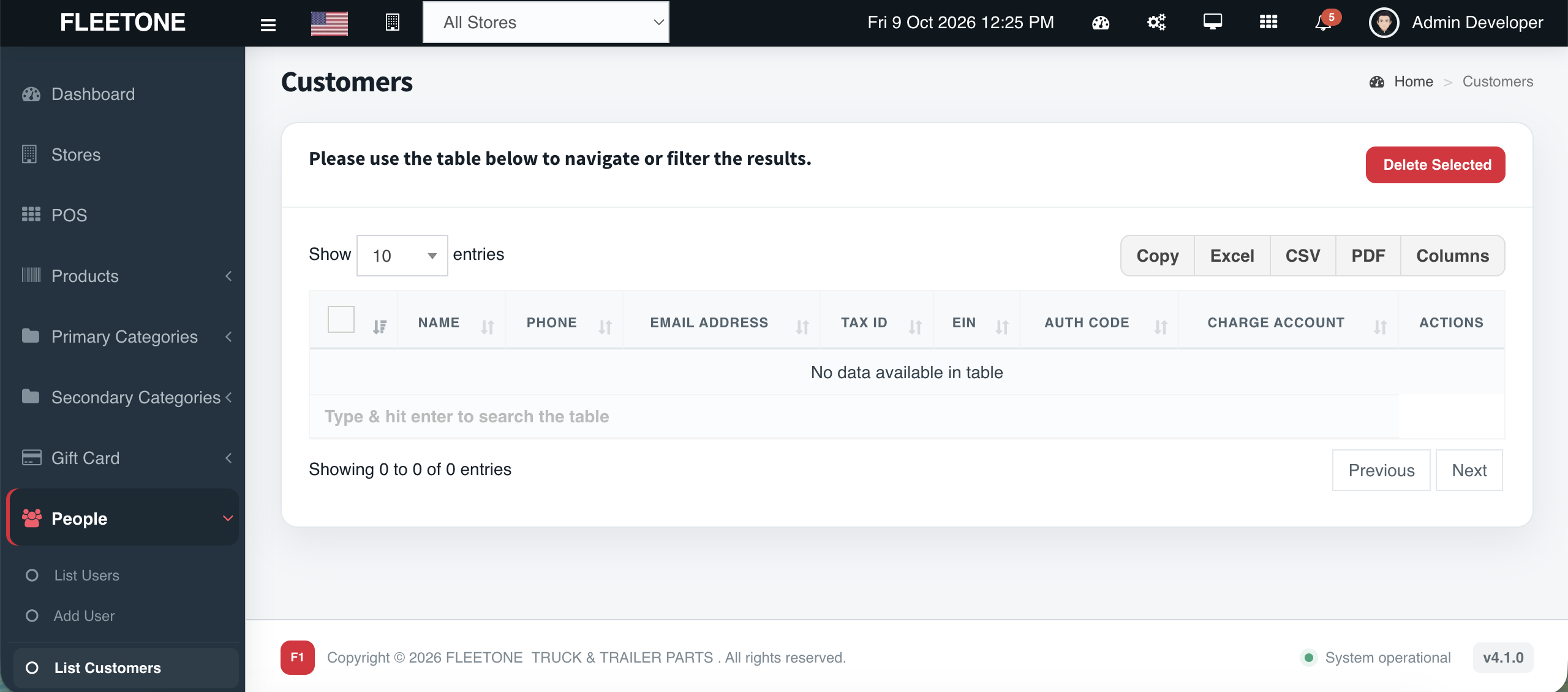
Fleet accounts live on terms. Cephre Customer Ledgers show ID, company, grand total, invoice counts, payments, current balance, and last payment — then drill into a single account’s paid/unpaid invoice boards.
Colored summary cards surface total billed, paid, and unpaid so collections conversations start with facts. Export Copy / Excel / CSV / PDF when accounting needs a file.
What you get
- Ledger grid with current balance
- Drill-down invoice history
- Paid vs unpaid invoice boards
- Summary cards for billed / paid / unpaid
- Export: Copy, Excel, CSV, PDF
- Column visibility controls
Workflow
How it works
-
1
Open Customers Ledgers
Scan balances.
-
2
Open an account
Review paid/unpaid cards.
-
3
Export
Excel/CSV/PDF for the books.
-
4
Take payment
Update from sales/payment flows.
Capability map
Built into Cephre
- Customers Ledgers menu
- Ledger info pages per account
- Status badges on invoices
- Works with credit limits module
In the product
Screens from this module
Ready to put this on your counters?
Apply for a subscription package sized by Super Admin seats, store Admins, and outlets.